Brief, design, animate, edit. One canvas.
Kyoso is one canvas for graphic design, motion design, and video editing – with an agent that carries the work between them.
Our clients:
Your personal creative director
One surface to create anything
Every model, across every medium: video, image, audio, animation, magic layers and upscaling. Templates for e-com product pages, model pages and ads, that keep you in control and on-brand.
Ask agent to
Type an instruction
Use workflow
Pick a saved workflow to run with this selection
Create document
Briefs, scenarios, strategy
New image
Generate an image from a prompt or references
New video clip
Generate a video clip from a prompt or references
Animate
Animate layers within a frame
Save workflow
Save this setup as a reusable workflow
Describe
Analyze and describe selected content
Create variant
Make another version
Create from document
Use the doc as a brief
Create image
Visual from your document
Create video
Video from your document
Change document
Edit the document
Extract prompt
Extract a detailed style prompt from the selected image
Edit
Describe how to modify the selected image
Change background
Color or environment
Change color
Recolor an object
Remove subject
Remove a person or object
Made in Kyoso
Film directors make their work here
A piece created in Kyoso, and shown at the ByteDance conference in Budapest.
- Director, writer, generator & editor: XDeconstructed
- Executive producers: Kyoso & Jordan Daniel Chesney
- Composer & sound designer: David LaChance, Jr.
- Produced by: JDC Entertainment
Customer story
Brands scale 10x faster with Kyoso
Kyoso has become an extension of our creative team. It learnt our brand surprisingly quickly, enabling us to create consistently high-quality, on-brand imagery and video at a speed that simply wasn’t possible before.

Daniel Dean
Creative Lead at Zilch
One canvas. One surface.
Agents
Works the way you do, learning from every word and every move on the canvas. Not a chat beside your work. The agent picks the best models, runs tasks end to end.
Creation
Tell the agent what you want in your own words. It will shape campaign concepts, generate hook variations, and run complete workflows to produce finished videos and image assets, all in one go. Direct a film. Build an ad. If you can describe it, you can create it.
Scale
Spin up dozens of variations, schedule runs, and update one piece of content across every language and format at once. 10x your speed to market.
Create your designs
Layouts
Build compositions with the tools you already know and love: text, shapes, layers and effects. Control at every layer.
Variants
Work on multiple variants side by side. Compare, copy between them, ask the agent to turn a background into video, or branch a new direction.
You create, the agent iterates
Focus on the creative work while the agent handles the tedious. Hand it a design and get back variations with new copy, colours, images, videos or fonts, all checked for brand consistency.
Where teams scale motion
Animate with agents
Describe your idea and the Kyoso agent generates editable animations and effects from scratch, plus variations at scale, 10x faster.
Full control
Refine AI-generated effects or build your own motion from scratch. Change any parameter using natural language or simple controls, until it feels truly yours.
Image to video
Turn any image into video. Add depth to static assets and bring scenes to life with subtle movement.
Edit your next video
Delegate to the agent
The agent composes at scale, generates or trims clips, and helps build your narration when asked, it's so simple anyone can create.
Edit video clips
Work with clips generated in Kyoso or import your own. Trim, compose, export.
Mix with 2D
Add text, shapes and images, with the same effects and presets you use in 2D animation.
Customer story
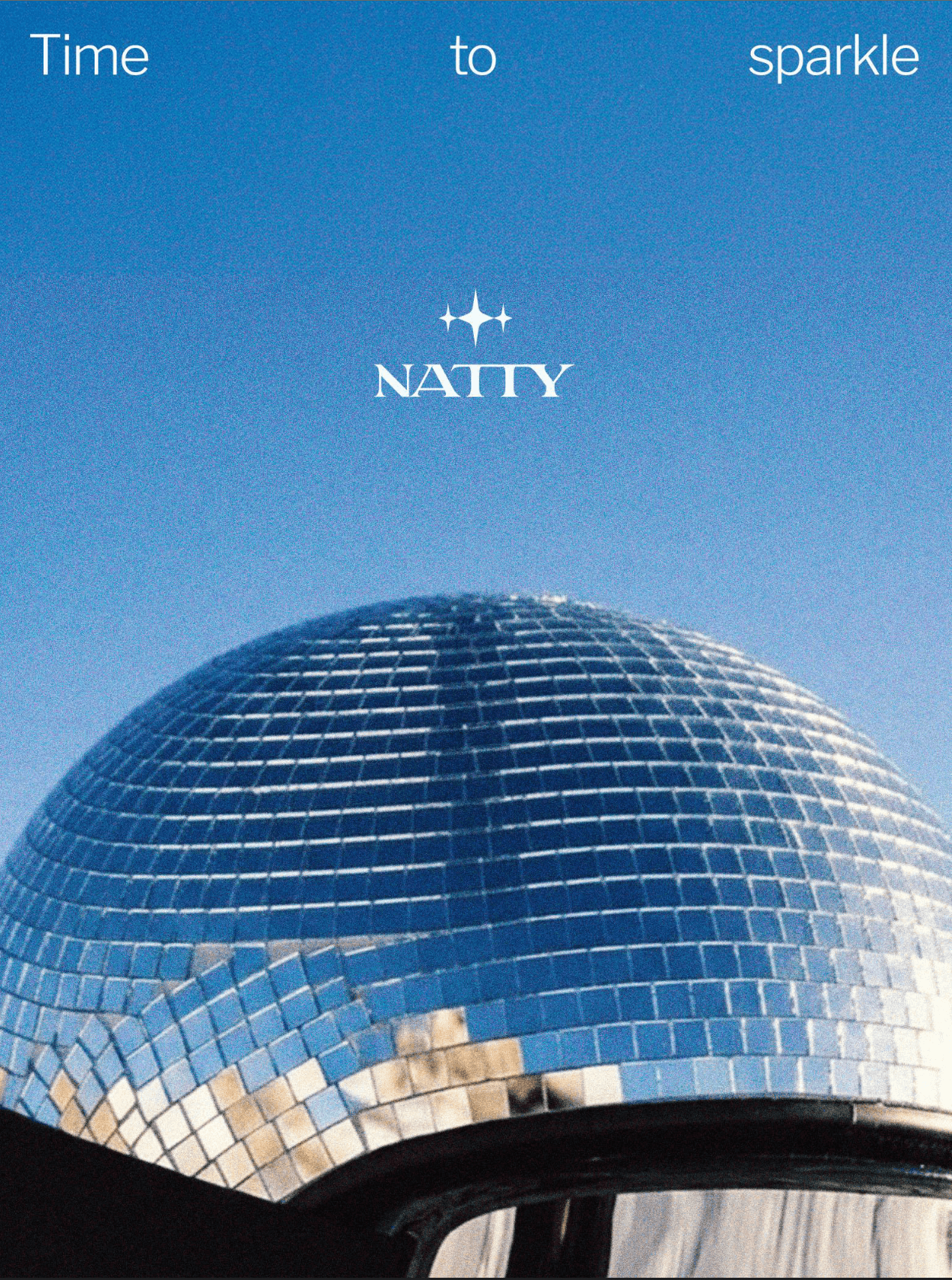
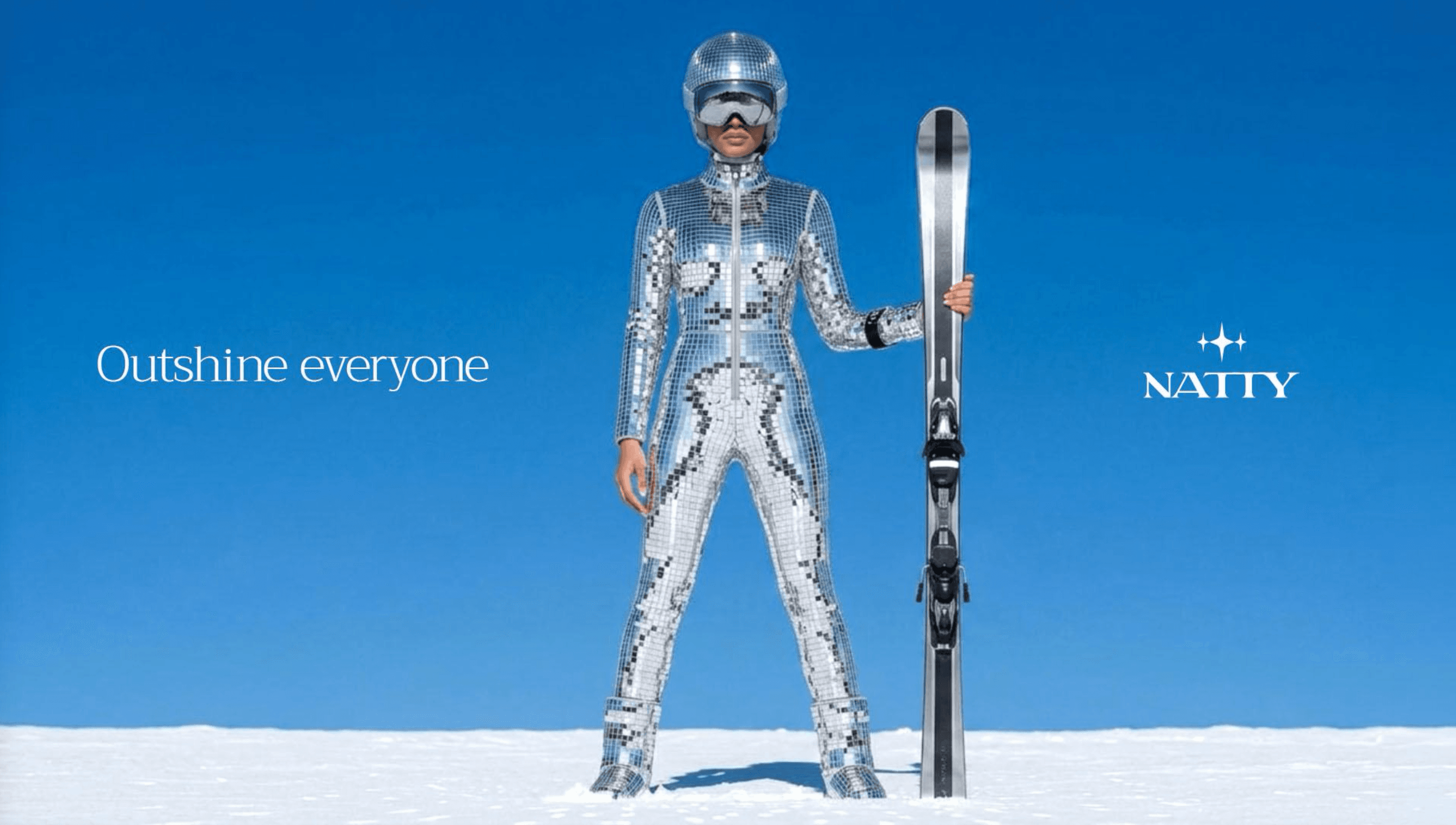
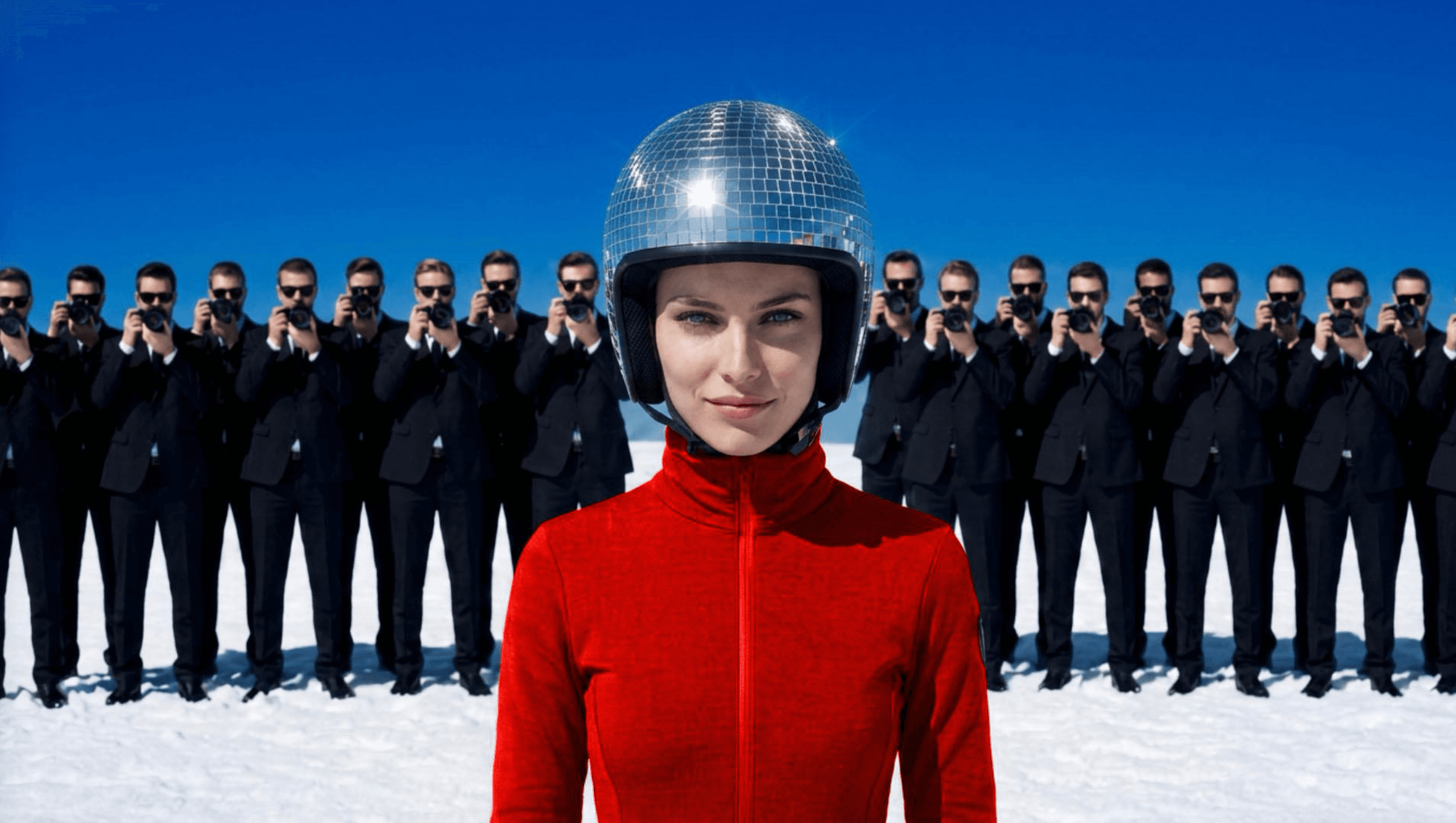
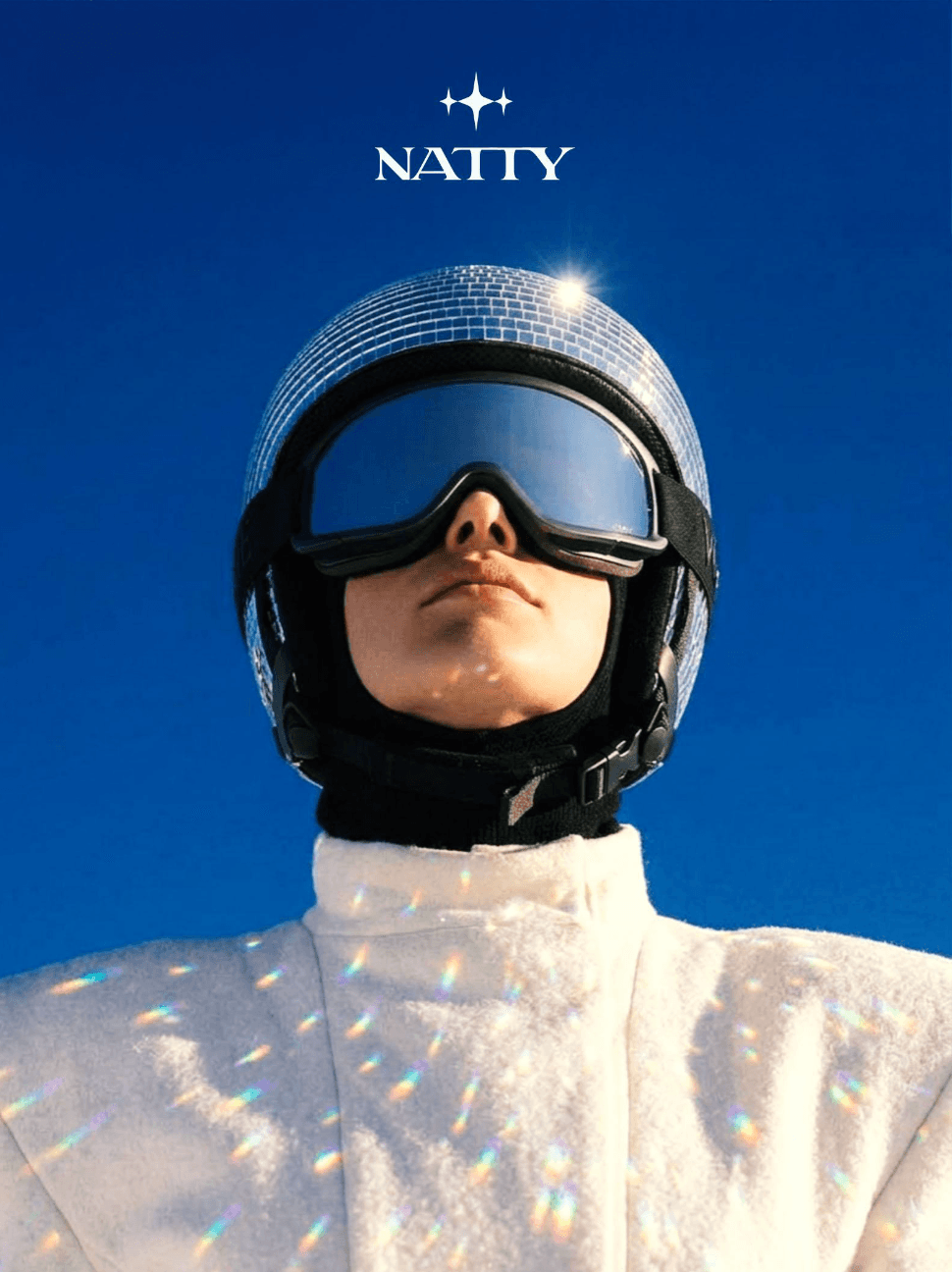
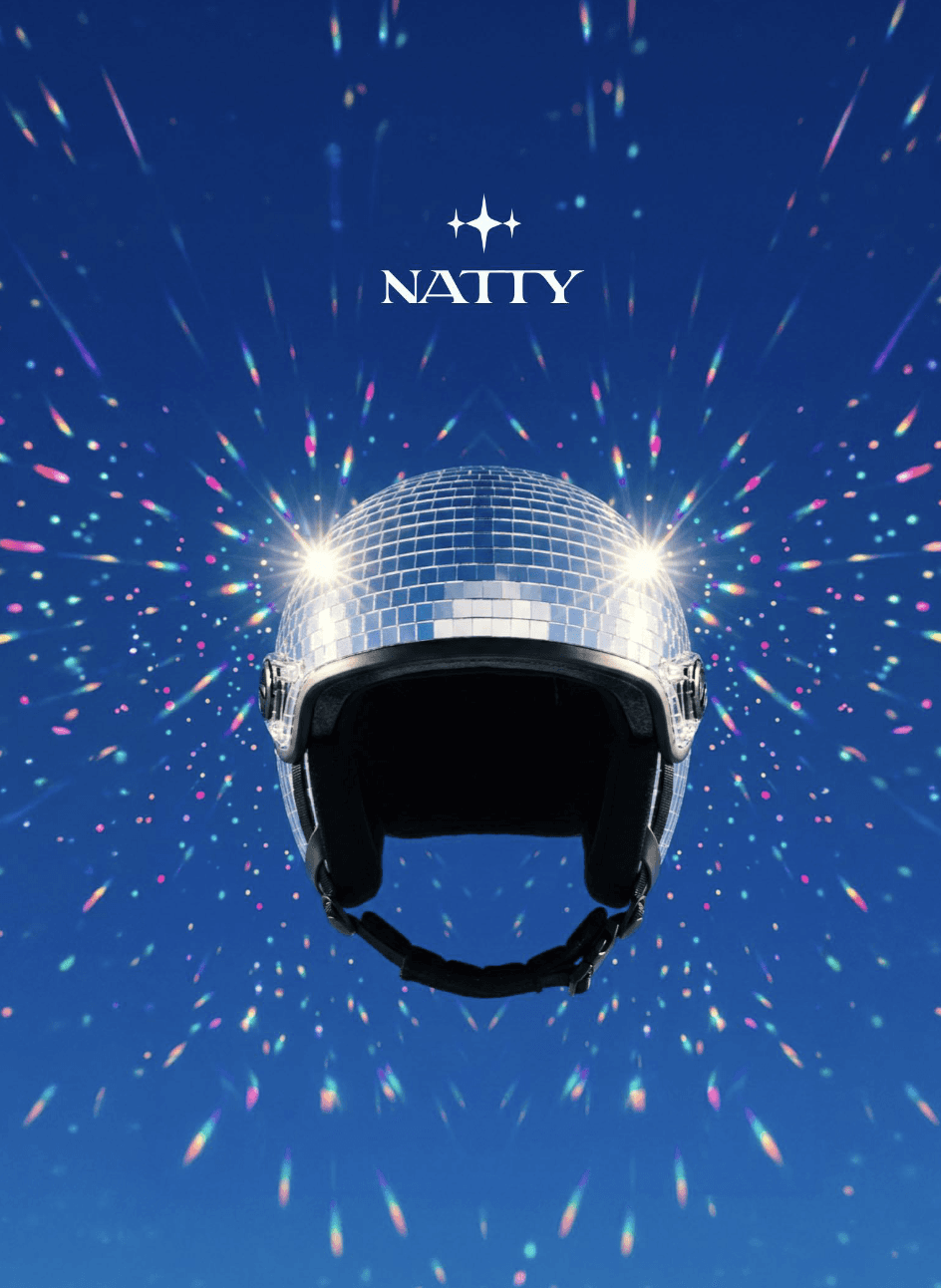
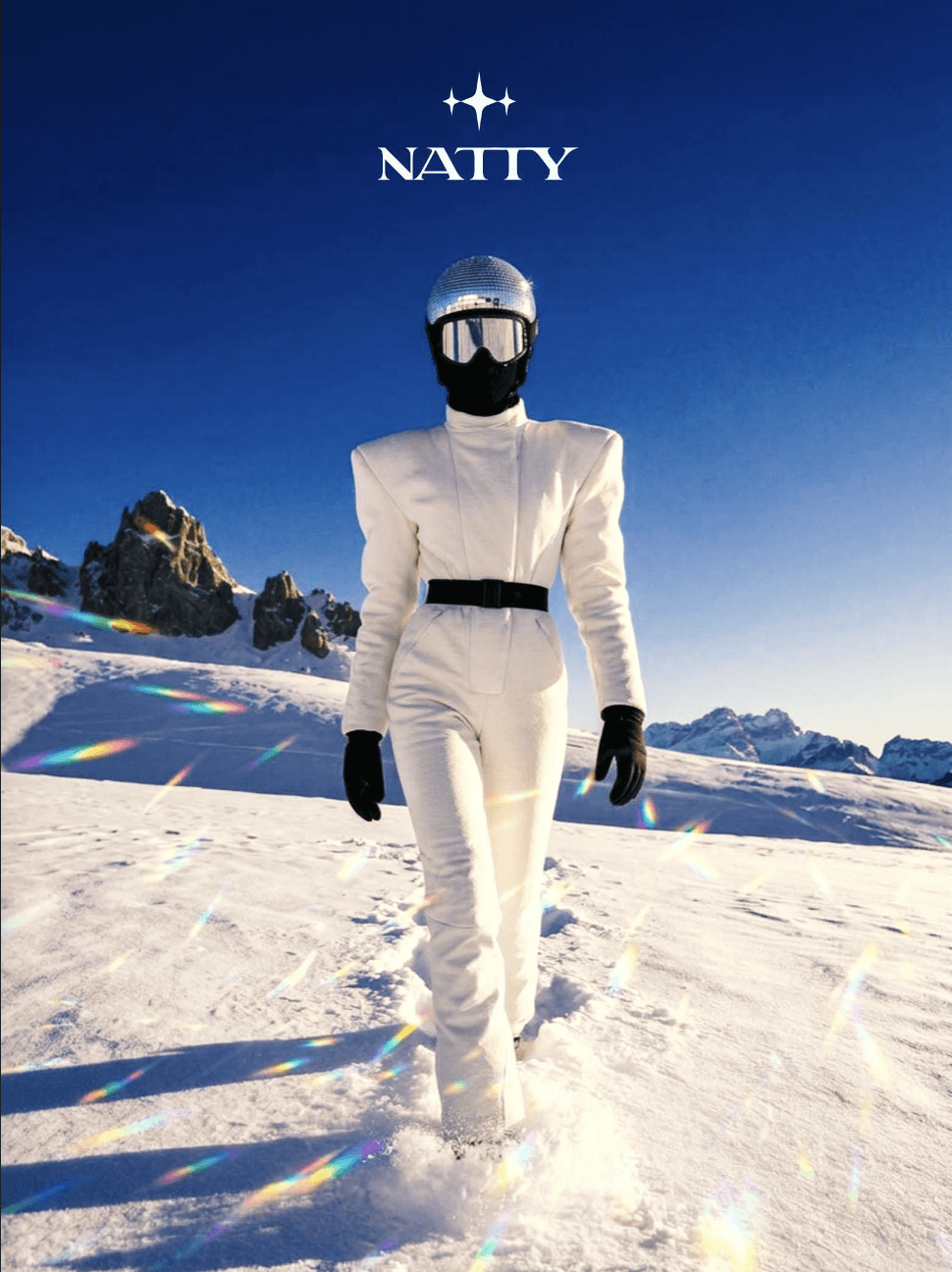
Natty used Kyoso to empower their brand explorations and create stunning visuals

Testimonials
What creative teams say
Studios, agencies, and in-house brand teams use Kyoso to take a campaign from brief to delivery.
Changelog
What’s new?
Aug 12, 2026 · Release
Seedance 2.5, node reference pills, and server-side exports
Aug 4, 2026 · Launch
Kyoso is public — open signup, undo/redo, and SVG on the board
Jul 21, 2026 · Release
Color grading, segmentation tools, and a redesigned focus mode
Jul 9, 2026 · Release
Tables in documents, text autosizing, and brand-aware workflows
Pricing
No margin on generation
Design, animate, and use canvas for free. Upgrade when you need more credits to generate content and work with agent.
Free
$0.00/mo
- 10,000 credits/month
- Basic AI tools
- Hard credit cap
- No margin on generation
- No reasoning costs
- Design and animation features for free
Plus
$27.00/mo
- 30,000 credits/month
- All AI tools
- No margin on generation
- No reasoning costs
- Design and animation features for free
Pro
Popular$87.00/mo
- 100,000 credits/month
- All AI tools
- Priority support
- No margin on generation
- No reasoning costs
- Design and animation features for free
Ultra
$332.00/mo
- 400,000 credits/month
- All AI tools
- Priority support
- No margin on generation
- No reasoning costs
- Design and animation features for free
FAQ
Frequently asked questions
Get your questions answered.
Beta